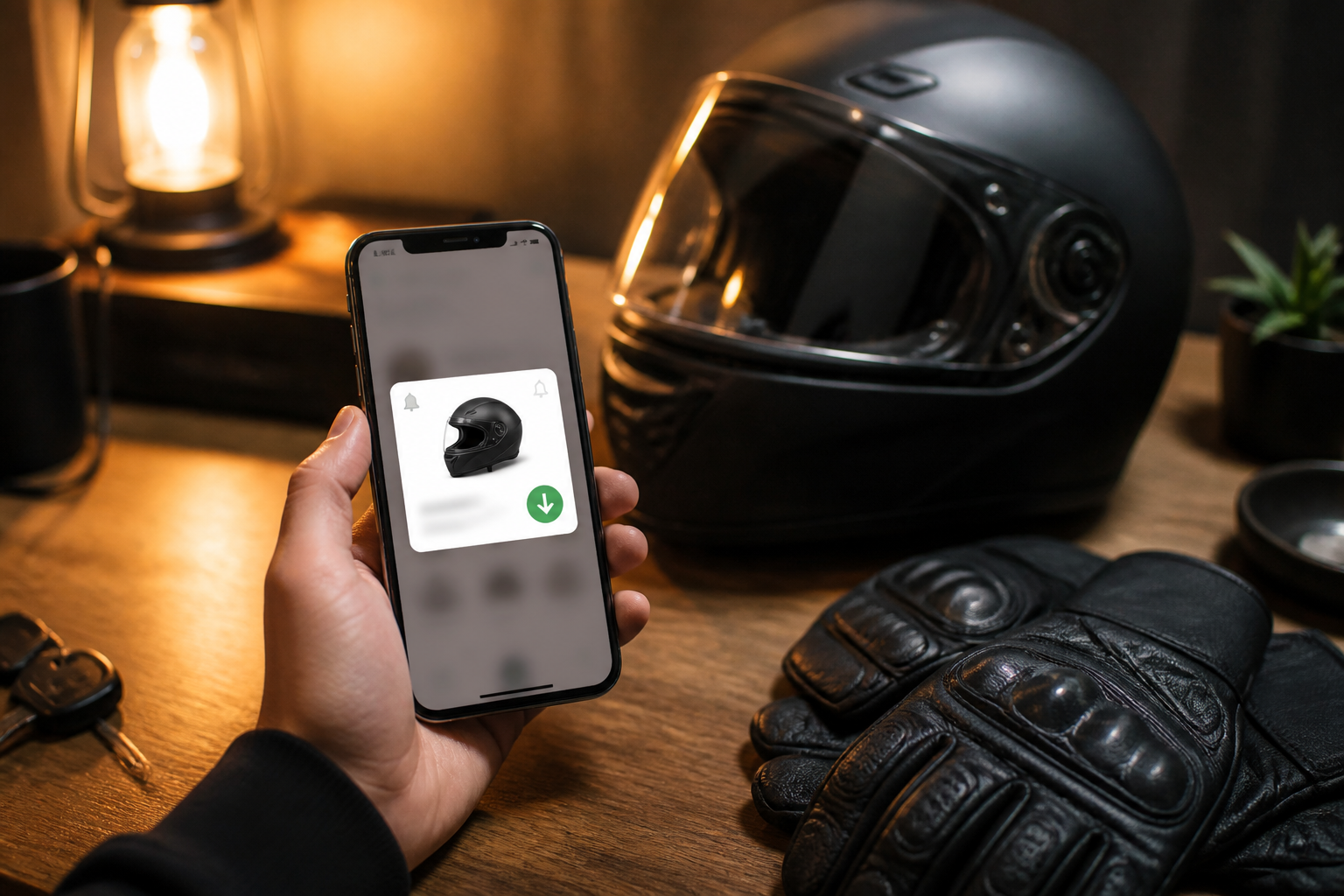
How to Use MotoDeals Wishlists and Price Alerts
MotoDeals Team · Product
Save gear, watch lowest prices, and get notified on drops — a practical walkthrough of MotoDeals retention tools.
Wishlist
Tap the heart on deal cards or product pages to save a product. Your wishlist shows the current lowest tracked offer so you can re-check quickly.
Price alerts
From a product page or wishlist item, set an optional target price — or leave it blank to hear about any meaningful drop when email delivery is enabled.
Weekly digest
When email is configured, MotoDeals can send a weekly summary of new lows on saved gear so you do not live in the tabs.
Tips
- Save the product, not twelve near-duplicate deal cards
- Use region filters before comparing prices
- Recheck “last checked” times on offers
Create an account, save two or three must-have items, and let the trackers work.
Interactive site: https://www.motodealz.com/de/blog/motodeals-wishlist-and-price-alerts